Bring compatible artwork files
Import GLB models and images, then review artwork information and usage rights.
Artwork and space guide · Korean
ExhibitOS is a set of tools for arranging artworks and publishing exhibitions for people to visit online.
Official apps are in preparationTry Viewer now, without installation or an account.
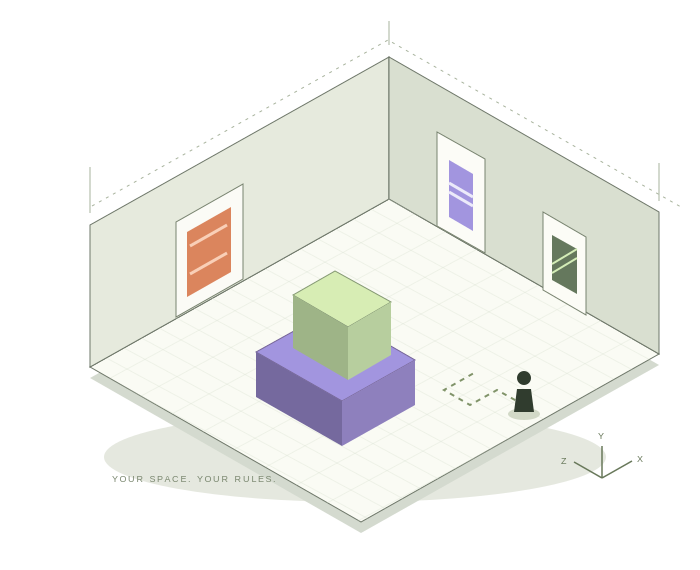
Bring compatible files from your existing tools. Capture and Processing are optional when you want to photograph a work yourself.
Import GLB models and images, then review artwork information and usage rights.
Artwork and space guide · KoreanArrange works in a space and preview your exhibition. Check current app availability before getting started.
Getting started · KoreanFollow guidance for saving, publishing, backup, and recovery.
Help and guides · KoreanEach tool has a clear role. Visitors do not install the creation apps.
Photograph an artwork, keep the originals, and transfer them in an EXCP file.
Create and refine a model from photographs, then save a standard GLB.
Manage artworks in the integrated native Studio/CMS, arrange and save the space, preview, and prepare to publish.
Open an exhibition link to explore artworks, descriptions, and audio. Text viewing remains available.
Create with compatible files without Capture or Processing. Local creation requires no cloud connection. Public components build independently of private capture and processing repositories.
Explore painting and sculpture in Viewer. Walk through the exhibition and read the artwork descriptions and credits.
Visiting and accessibility · KoreanArtwork images: The Metropolitan Museum of Art, New York · CC0 1.0. No museum endorsement or affiliation is implied.
Compatible files from other tools follow the same checks. Code licenses and artwork rights remain separate.